
How to Install Zen IPTV Player on Apple TV
The ultimate cinematic guide to setting up Zen IPTV on tvOS for 4K streaming.
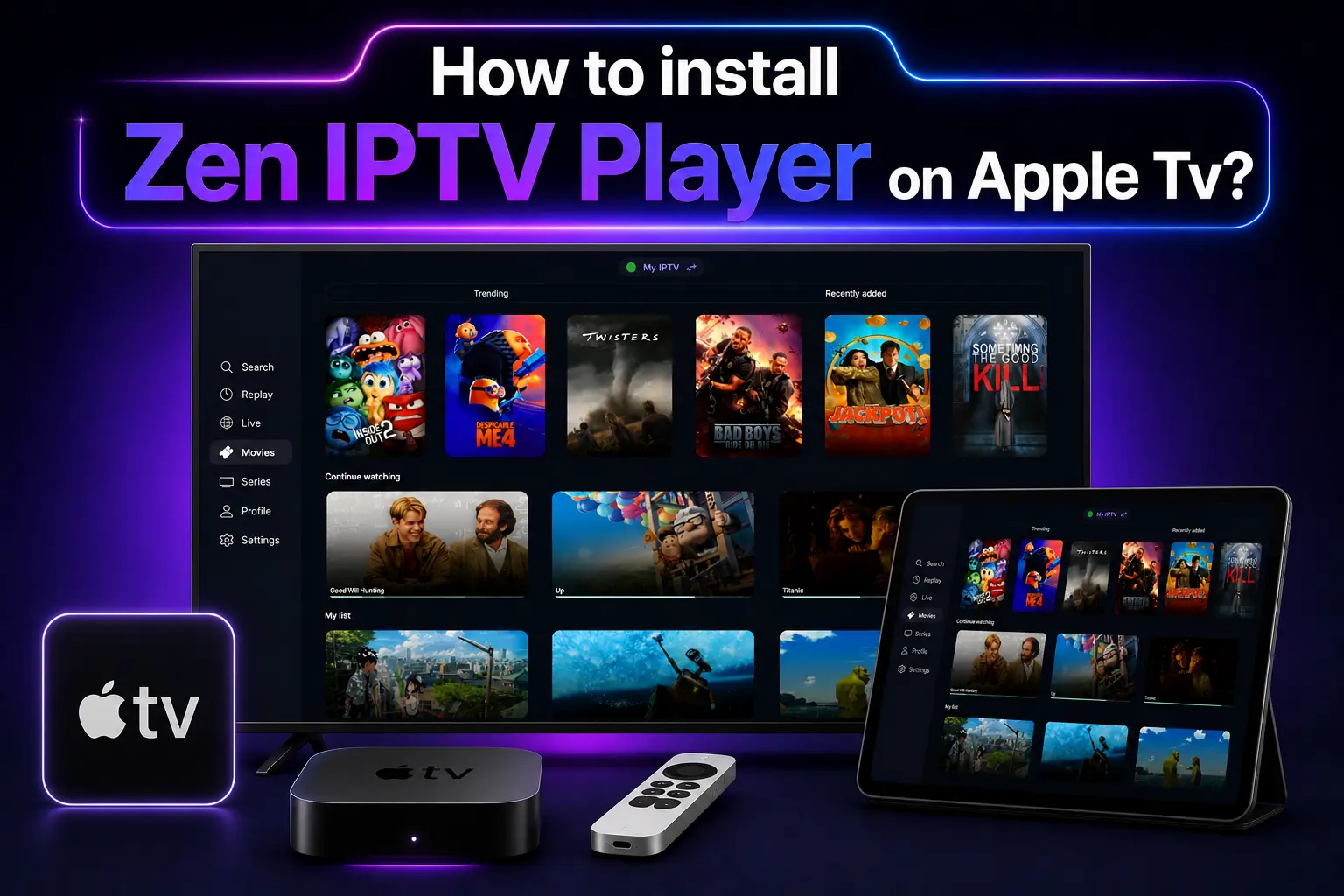
The Apple TV 4K is widely considered the best streaming hardware on the planet. Its powerful processor and fluid tvOS interface make it the perfect match for Zen IPTV Player. When combined, you get a premium, buffer-free experience that rivals any cable or satellite provider.
Because Zen IPTV is an official app, the installation is secure, fast, and fully integrated with your Apple ecosystem. Follow this detailed guide to get started.
Pro Tip
A cinematic player requires cinematic content. Check our 4K packages specifically optimized for Apple TV hardware.
Why Choose Apple TV for IPTV?
Streaming Zen IPTV on tvOS offers several advantages:
- Ultra-Fast Processing: The A-series chips handle 4K streaming and EPG loading instantly.
- Dolby Vision & Atmos: Full support for high-end audio and video formats.
- Privacy: Apple's strict App Store policies ensure your data remains secure.
Step-by-Step Installation
- Turn on your Apple TV and open the App Store from the Home screen.
- Navigate to the Search tab (using the Siri Remote).
- Type "Zen IPTV Player" into the search field.
- Select the app from the results and click Get or Download.
- Wait for the download to complete—the app will appear on your main grid.
You can also find the app here: App Store Direct Link
Playlist Setup & Activation
Once the app is open, follow these final steps to load your channels:
Note the MAC Address and Device ID displayed on your TV screen.
Visit our subscription portal and enter your M3U playlist link or Xtream Codes credentials.
Click Save and restart the app on your Apple TV to see your channels.
Cinematic Optimization Tips
To get the most out of Zen IPTV on Apple TV, we recommend these settings:
- Ethernet Connection: Use a wired connection for 4K streaming to avoid any Wi-Fi interference.
- Match Frame Rate: Go to Apple TV Settings > Video and Audio > Match Content and turn on **Match Frame Rate**.
- External Speakers: Use HomePod or a Dolby Atmos soundbar for an immersive audio experience.
Troubleshooting Apple TV Issues
App not appearing in search?
Ensure your Apple TV is updated to the latest tvOS version. Also, check that your App Store region supports the application.
Streaming is buffering?
Check your internet speed (minimum 25Mbps for 4K). If the issue persists, your IPTV provider's server may be overloaded. We recommend switching to our premium servers.
Frequently Asked Questions
Can I use the app on an older Apple TV?
Zen IPTV Player requires tvOS, which is available on Apple TV HD (4th Gen) and all Apple TV 4K models.
Is there a monthly fee for the app?
The app is free to download. To access all premium features forever, you can opt for a lifetime activation license.
Elevate Your Home Cinema
Don't settle for mediocre streaming. Experience the true power of your Apple TV with Zen IPTV and our premium 4K channels today.