
How to Install Zen IPTV Player on iPhone & iPad
Experience premium 4K streaming on the go with the world's most stable iOS IPTV player.
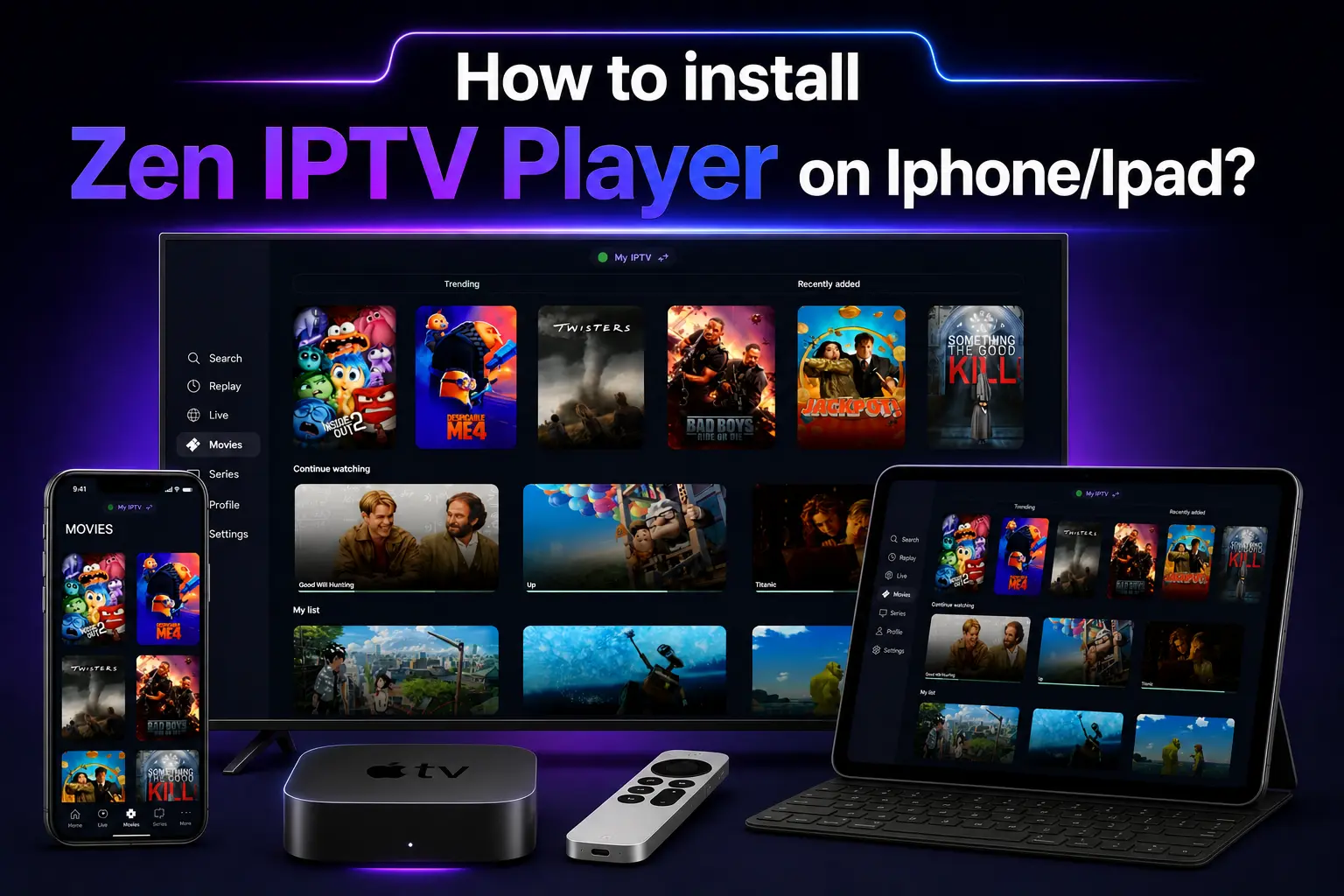
Your iPhone and iPad are more than just communication tools—they are powerful entertainment centers. With Zen IPTV Player, you can unlock the full potential of your Retina display and enjoy live sports, movies, and TV shows in stunning 4K quality.
Because Zen IPTV is an official application, you don't need to worry about complex sideloading or "Unknown Sources." Everything is handled directly through the Apple App Store for your security and peace of mind.
Don't have a playlist?
Zen IPTV is a professional media player. To watch content, you need an active IPTV subscription. Browse our 4K packages and get instant delivery to your email.
Step 1: Downloading from App Store
The easiest way to install the app is to click the official download link below directly from your iPhone or iPad:
Download on App StoreAlternatively, open the App Store manually and search for "Zen IPTV Player".
Step 2: First Launch & Permissions
Once the app is installed, tap the Zen icon on your home screen to open it.
- Network Permissions: When prompted, allow the app to access your local network. This is required for streaming content.
- Notification: You can choose to allow notifications to stay updated on new app features.
Step 3: Activating Your Playlist
Follow these steps to connect your IPTV service to the app:
Note your Device ID and Key displayed on the app's welcome screen.
Visit our subscription portal and enter your M3U URL or Xtream Codes.
Refresh the app and watch your favorite channels load in high definition.
Zen IPTV Mobile Features
Why Zen is the #1 choice for iPhone and iPad users:
- AirPlay Support: Cast your stream to any compatible TV with one tap.
- Dark Mode: A sleek, eye-friendly interface for late-night viewing.
- Parental Controls: Secure your categories with a custom PIN.
- Electronic Program Guide (EPG): See what's playing now and what's coming up next.
Common Mobile Issues & Fixes
The app won't download?
Ensure you have a stable internet connection and at least 50MB of free space. Also, check that your Apple ID is signed in correctly.
Channels are not loading?
Double-check your M3U link or login credentials. Most issues are caused by a small typo in the server URL or password.
Frequently Asked Questions
Can I use Zen IPTV on my Apple Watch?
Currently, the app is optimized for iPhone, iPad, Mac, and Apple TV. Apple Watch is not supported for video streaming.
Is my data secure?
Yes, Zen IPTV Player respects your privacy. We do not host content or store your personal streaming data.
Premium Streaming in Your Pocket
Ready to experience the best IPTV on iOS? Install Zen IPTV Player now and pair it with our world-class subscription for the ultimate 4K entertainment.