
Zen IPTV Player Installation & Setup on Every Device
Step-by-step guide for iOS, Android, Firestick, Windows, and Apple TV.
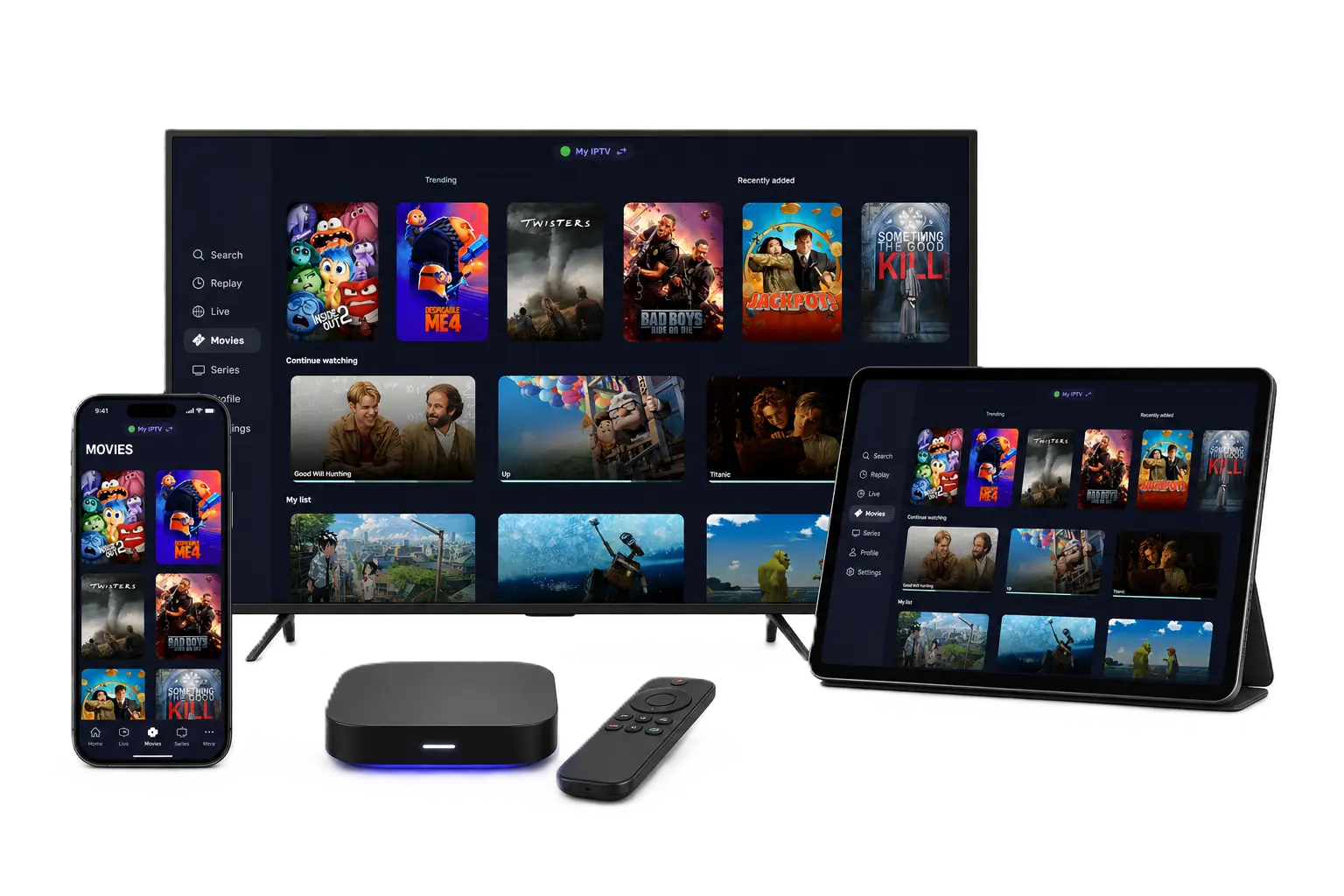
Zen IPTV Player is one of the most versatile and high-performance IPTV players available today. Whether you are using an iPhone, an Android box, or a Windows PC, Zen IPTV provides a seamless and high-quality streaming experience. In this guide, we will walk you through the installation process for every major platform.
Pro Tip: Zen IPTV Player is a media player that requires a playlist or subscription to work. Check our premium plans for 40,000+ channels and 100,000+ VODs with instant delivery.
Apple Devices
Zen IPTV Player is officially available on the Apple App Store for all your Apple devices, including iPhone, iPad, Mac, and Apple TV (tvOS).
- Open the App Store on your device.
- Search for "Zen IPTV Player".
- Click Get or Download to install.
Android, Android TV & Fire TV
For Android-based devices like Firestick, Nvidia Shield, and Google TV, you can install the app directly using the official APK.
Installation Steps for Firestick:
- Install the Downloader app from the Amazon App Store.
- Enable Apps from Unknown Sources in your device settings.
- Open Downloader and enter the following direct URL:
https://zeniptv.app/releases/zenplayer.apkWindows PC (Microsoft Store)
Streaming on your laptop or desktop is easier than ever. Zen IPTV Player is available as an official Windows application.
Get the official app from the Microsoft Store:
Get it from MicrosoftHow to Set Up & Activate
Once installed, setting up Zen IPTV Player is a simple 3-step process:
Launch the App
Open the app to find your Device ID or MAC Address displayed on the screen.
Upload your Playlist
Enter your M3U URL or Xtream Codes credentials provided by your service provider.
Start Streaming
Enjoy 4K quality channels and thousands of VOD titles with zero buffering.
Frequently Asked Questions
Is Zen IPTV Player free to use?
The player offers a trial period, after which a one-time activation might be required to unlock all premium features and lifetime access.
Can I use one playlist on multiple devices?
Yes, but the number of simultaneous streams depends on your IPTV subscription plan. Check our packages for multi-device support.
Does Zen IPTV include channels?
No, Zen IPTV is a professional media player. You must provide your own content via an M3U playlist or login credentials.
Experience the Best in Streaming
Ready to unlock the full potential of your device? Install Zen IPTV Player today and pair it with the world's most stable IPTV service.